Platforms and tools
What Is ChatGPT Dot?
ChatGPT Dot is an ongoing AI agent in ChatGPT that can take on a responsibility and keep working between conversations. OpenAI calls these agents “dots”. Each dot has its own computer and browser in the cloud, and can use connected apps to carry out work and return results or questions that need your decision.
Definition and further reading: OpenAI, OpenAI. Sources checked 21 November 2026.
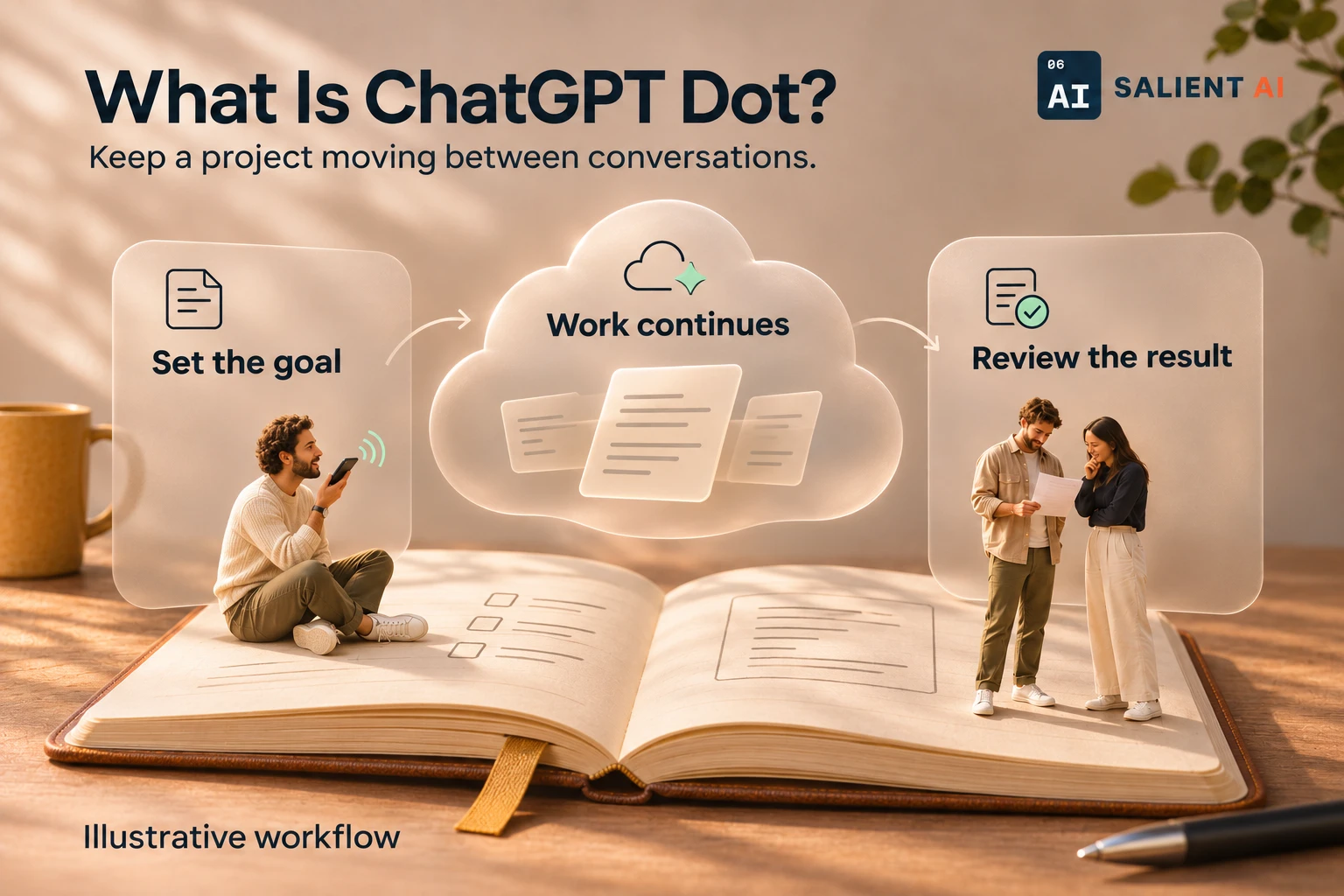
Keep a project moving between conversations.
Illustrative workflow: set the goal, let assigned cloud work continue and review the result.
AI-generated illustration of a fictional business.
Read the infographic as text
Illustrative workflow: set the goal, let assigned cloud work continue and review the result.
- Set the goal: Define the responsibility and share approved context.
- Work continues: A dot can progress assigned cloud work between conversations.
- Review the result: Check the output and decide what should happen next.
Cloud work and access to your own computer are separate.
Simplified explanation based on this entry’s sources and further reading.
Why might a business owner use ChatGPT Dot?
Some work needs attention over several days: preparing a proposal, collecting missing information or keeping a project brief current. A dot gives the owner a continuing conversation about that responsibility. You can supply a new detail or change a priority while the work is underway.
For a first trial, choose something with a clear deliverable and a person who knows how to check it. A proposal outline is easier to assess when the required sections, source documents and deadline are agreed in advance. Keep a short list of the decisions that belong to the owner so that drafting can proceed without guessing what the business is prepared to promise.
A practical ChatGPT Dot example
Illustrative example: a design studio owner asks their dot to prepare an internal proposal outline from an approved client brief. They identify the documents it may use, ask it to list unanswered questions and instruct it to leave prices and delivery commitments for the project manager.
The following day, the owner supplies a revised scope and asks the dot to update the outline. The project manager compares it with both versions of the brief, checks what changed and resolves the remaining questions. This illustrates an ongoing assignment with human review; it is not a claim that a dot can accurately interpret every client request or approve a proposal on the studio’s behalf.
How is a dot different from ordinary ChatGPT chat?
ChatGPT is the broader application. A dot is an agent within it that can follow up on ongoing work, retain useful context and coordinate tasks. Its cloud computer can keep working while your devices are off. A dot can also delegate work to ChatGPT Work or Codex, depending on the task and available access.
Using your own computer is a separate, optional connection. OpenAI says local access starts turned off; local work requires your computer to be online with the ChatGPT app open. Messaging your dot does not automatically connect your files or other apps. Availability depends on the plan, region, account rollout and workspace settings, so check the current OpenAI guidance for your account.
What should you decide before giving a dot responsibility?
Describe the result you want, the information it should use and when you need an update. If you ask for a recurring check, include the time zone and an end date, then verify what was scheduled. Decide whether routine updates belong in the task record or should interrupt you, and explain which changes need an immediate decision.
Review the first completed result before expanding the assignment. Record missing details and corrections, and give that feedback in the continuing conversation. OpenAI provides activity and pause controls; use them to understand what is running and stop work you no longer need. A useful trial should account for the time spent checking the output as well as the time saved preparing it.
Sources and further reading
Give an AI agent a useful responsibility
Discuss a practical first assignment and how your team will review its work.
Explore AI consulting