WordPress is a strong fit when staff want to sign in, edit individual pages or news posts and choose from a large range of ready-made website features.
Explore the systemAI service hubs
Website platform comparison · WordPress
AI-enabled websites vs WordPress.
WordPress can also use AI. Compare your current WordPress setup with a proposed custom build by the work your team must perform, not by the presence of an AI label.
Improve, migrate or rebuildDiscuss your website↗
The honest answer
How to decide: AI websites vs WordPress
Choose a service detail repeated in pages, navigation and translated content. A custom approach is worth considering only if it solves that task better than improving the existing setup.
Editing one page is easy. Remembering the other 30 pages that mention the same information is where mistakes and delays begin.
Why this matters
A service change can affect navigation, service descriptions and translations. WordPress workflows and a custom system can both coordinate these updates. Compare the sources, review steps and missed-reference checks in the actual proposal.
What this means for you
Compare what happens after the new website launches.
Can your team make routine changes? What happens when a service, staff member, location or language changes? That is where the differences become important.
Making routine updates
WordPress
Staff can sign in and edit a page or post directly, which works well for regular publishing.
Purpose-built AI-enabled website
Your organization can send a change request or use a tailored editing process, while AI helps prepare and check the work.
Changing information everywhere
WordPress
Reusable content, a CMS content model and suitable workflow tools can reduce repeated edits; assess the actual setup.
Purpose-built AI-enabled website
AI can check the whole website, identify the affected pages and help update them together.
How quickly pages open
WordPress
A well-managed WordPress website can be fast, especially when hosting and page caching are properly configured.
Purpose-built AI-enabled website
Pages can be prepared in advance so visitors receive them with less work happening behind the scenes.
Security and upkeep
WordPress
WordPress, its add-ons, passwords and hosting need regular updates and monitoring.
Purpose-built AI-enabled website
Removing the public editing login and many add-ons reduces the number of common places an attacker can target, although the website still needs protection.
What happens if you leave
WordPress
You own your WordPress content, but the finished design may rely on a particular theme or set of add-ons.
Purpose-built AI-enabled website
The organization can keep the website files and move them to another suitable hosting provider or development team.
More pages and languages
WordPress
WordPress can support large multilingual websites, usually with additional tools and careful management.
Purpose-built AI-enabled website
AI can help keep repeated information consistent across pages and languages, with people reviewing accuracy and tone.
Recognizable situations
Everyday changes that reveal whether the website is helping.
Your organization should not need a technical explanation to understand why a simple change takes too long or costs too much.

01
Remove or rename a service
Update the menu, service pages, staff biographies, city pages and translations without leaving outdated references behind.
02
A staff member or leader changes
Find every biography, quote, program reference and contact detail that needs attention.
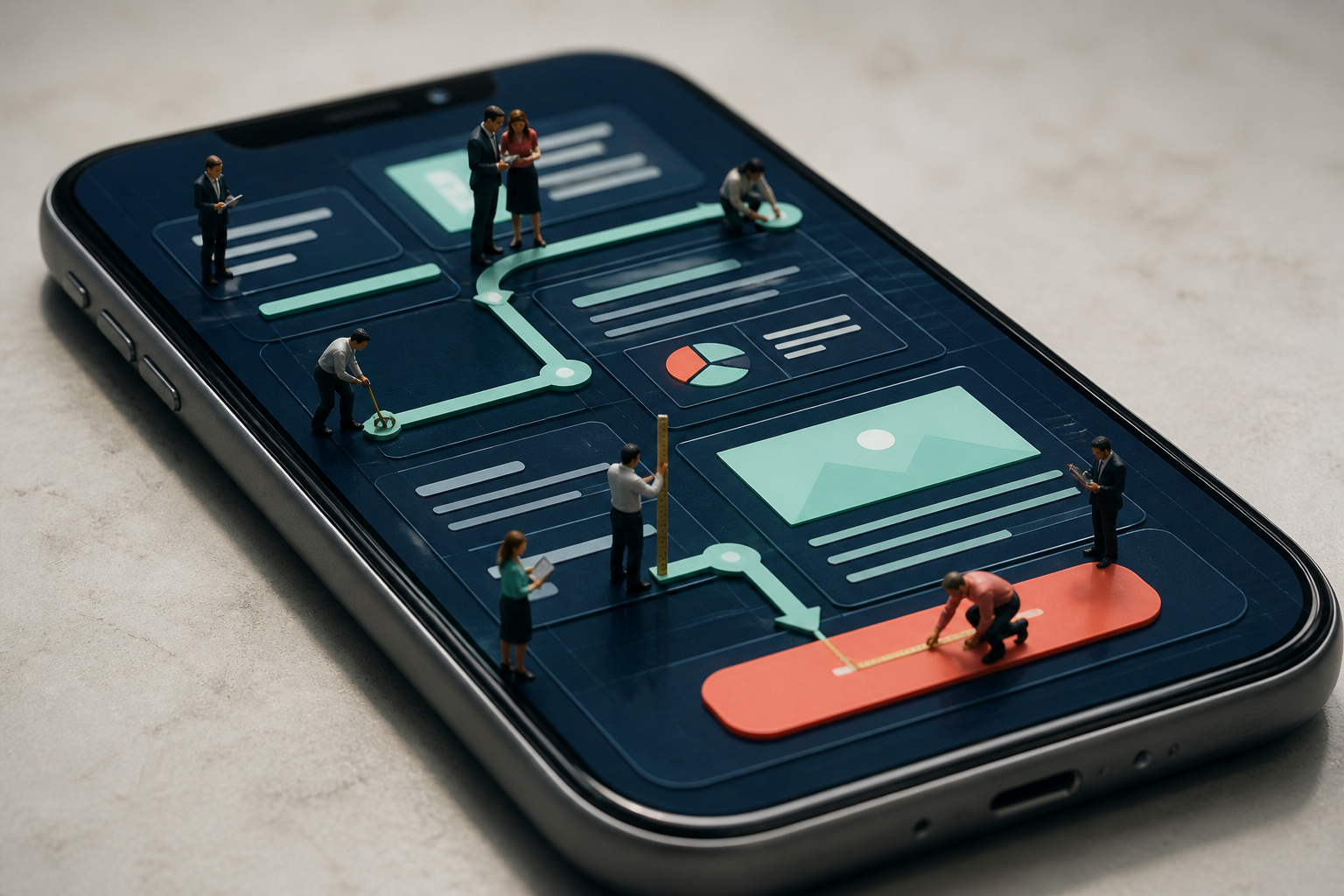
03
Refresh a large website
Give hundreds of pages a consistent new look while protecting useful content and pages that already attract visitors.
Our recommendation
Keep WordPress when staff can use it confidently and it is not creating costly delays. Consider an AI-enabled website when security upkeep, repeated changes, multilingual work or special business needs have become a recurring burden.
A practical next step
Test one WordPress content change
Choose a service detail repeated in pages, navigation and translated content.
Run the same change through the current WordPress workflow and the proposed build, including reviewer approval and rollback.
What to measure: Compare missed references, editing time and support effort.
Related client work
See how website decisions support real businesses.
Each relationship starts with the organization, the friction and the useful result—not a predetermined platform answer.
Explore all client work
 BluSky Dental
Health + wellness · Ottawa
BluSky Dental
A multilingual AI-built website, search program and AI receptionist designed around the complete lead path.
Read the client story ↗
 Brampton Windows
Trades + home services · Greater Toronto Area
Brampton Windows
A faster, safer AI-built website designed to make ongoing portfolio and service updates practical.
Read the client story ↗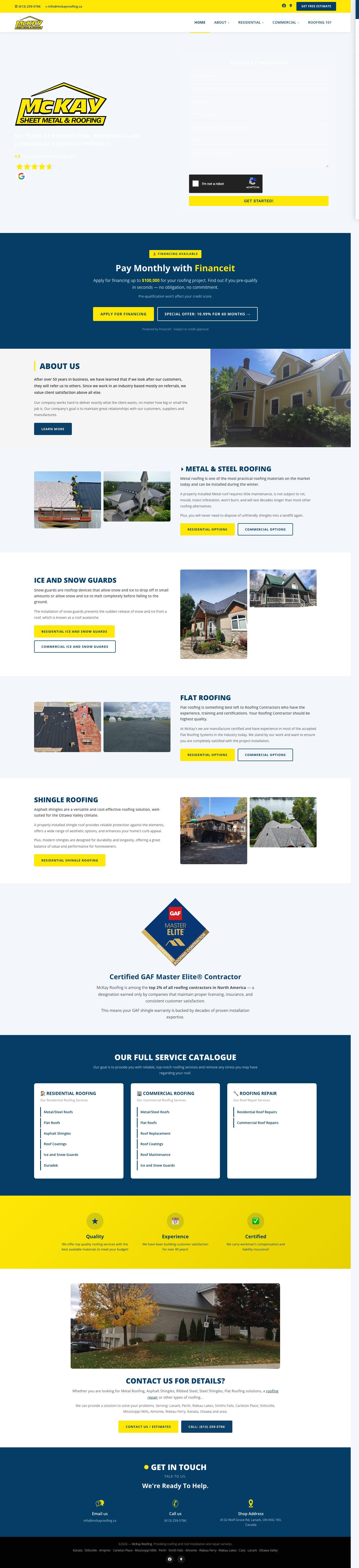
 McKay Roofing
Trades + home services · Ottawa Valley
McKay Roofing
Search visibility that earns bids, followed by a one-day prototype and an integrated operations-platform rebuild.
Read the client story ↗Useful questions
Questions about AI websites vs WordPress
Is WordPress insecure?
Not by itself. A well-maintained WordPress website can be secure. Problems are more likely when passwords are weak or WordPress, themes and add-ons are not kept current.
Are AI-enabled websites impossible to hack?
No website is impossible to attack. The advantage is that removing the public editing login and unnecessary add-ons can leave fewer common entry points to protect.
Can Salient AI protect our Google visibility during a move?
We plan URL mappings, preserve useful content and test redirects and links. Search visibility can still change during a migration; unchanged rankings cannot be guaranteed.
Can WordPress use AI too?
Yes. AI-assisted writing and workflow tools can be used with WordPress. The decision is whether the complete editing, integration and maintenance setup fits your team.
Does moving away from WordPress guarantee better rankings?
No. Preserve useful URLs and content, plan redirects for changed addresses and monitor search performance. The platform change itself is not a ranking guarantee.
Choose around the work
What should your website make easier next?
Bring us the current website and one recurring task that takes too long, causes confusion or gets postponed. We will help determine whether to improve, move or rebuild it.
A practical first stepReview your website↗