Websites and development
What Is User Experience?
User experience, or UX, is the overall experience a person has when interacting with a product, service or organisation. It includes whether the experience is useful, understandable and workable in the person’s circumstances. UX work examines that wider journey and improves the obstacles people encounter along it.
Definition and further reading: Nielsen Norman Group. Sources checked 8 November 2026.
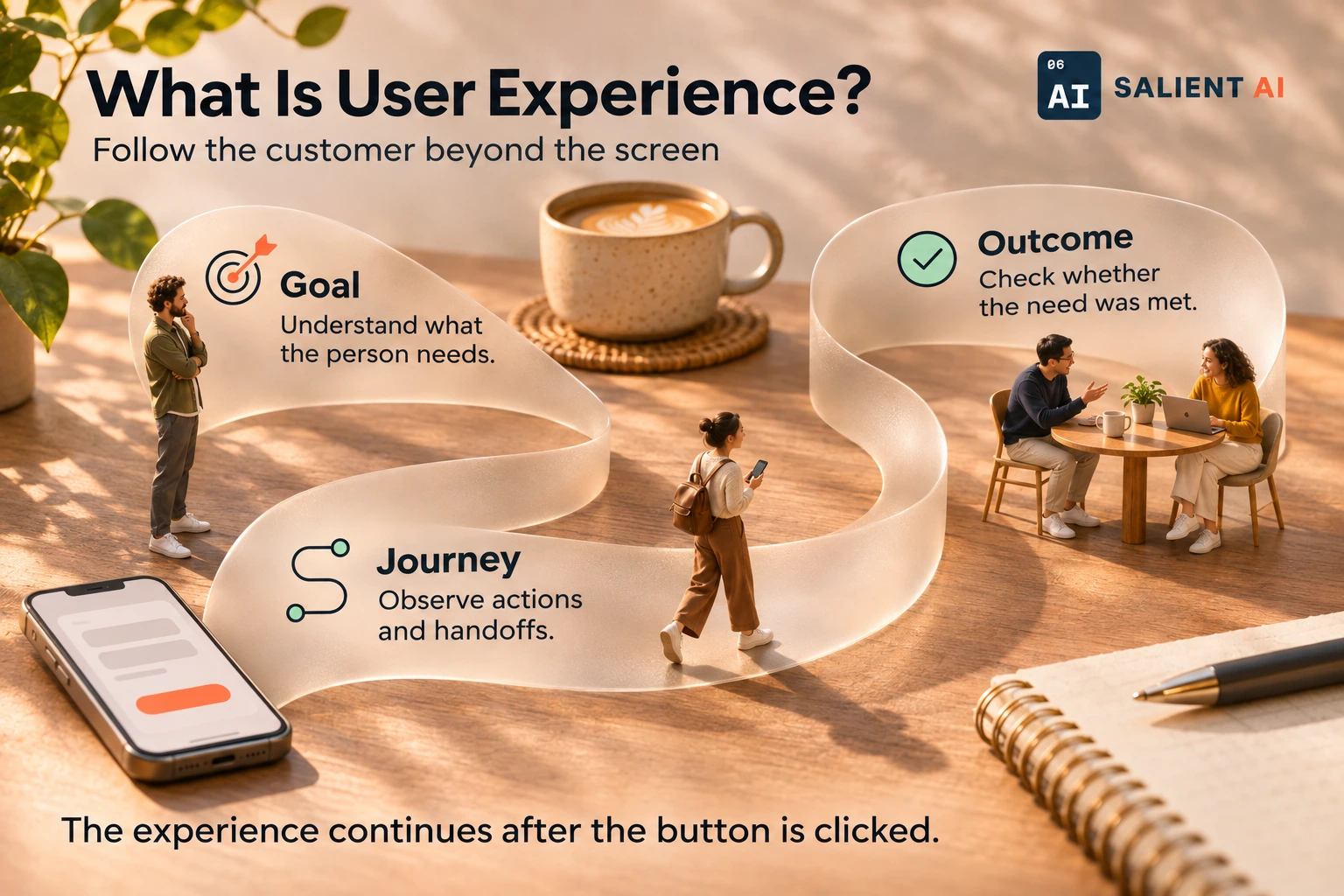
Follow the customer beyond the screen
User experience, or UX, is the overall experience a person has when interacting with a product, service or organisation.
AI-generated illustration of a fictional business.
Read the infographic as text
User experience, or UX, is the overall experience a person has when interacting with a product, service or organisation.
- Goal: Understand what the person needs.
- Journey: Observe actions and handoffs.
- Outcome: Check whether the need was met.
The experience continues after the button is clicked.
Simplified explanation based on this entry’s sources and further reading.
Why would UX matter to a business?
A customer can enjoy the appearance of a website and still struggle to get something done. They may misunderstand the service, lose their work in a form or receive an unclear confirmation. Looking at user experience helps the business connect these moments instead of treating each screen as an isolated design problem.
For a startup, that perspective can reveal why a seemingly simple onboarding process creates repeated support requests. Investigate what the customer is trying to accomplish, what they expect and where the experience stops matching that expectation. Improvements should address the observed difficulty and be checked with the people affected by it.
A practical UX example
Illustrative example: a software startup hears that customers are unsure whether setup is complete. The sign-up screens look tidy, but the final message does not explain the remaining approval step. Customers repeatedly contact support because they cannot tell whether they should wait or do something else.
The team observes new users completing the process and revises the confirmation to explain the current status, next action and expected contact route. They also align the support team’s response with that explanation. The change concerns the whole handoff between the interface and service, rather than simply making the final screen more visually appealing.
A useful distinction about UX
UX is broader than user interface design. The interface is the set of controls and presentation someone uses; the experience also depends on content, performance, service delivery and what happens outside the screen. A clear button cannot fix a promise the business fails to fulfil afterwards.
Usability is an important part of that experience, but ease of use alone does not establish that the product solves the right problem. A founder should investigate both whether people can complete a task and whether completing it meets their need. Customer conversations and observed behaviour can illuminate different parts of that question.
A useful first question about UX
What is the person trying to accomplish, and where does the current experience make that harder than necessary? Choose a complete journey, such as booking a consultation or setting up an account. Observe someone representative attempting it with realistic information, without explaining away the difficult parts.
Ask what they expected at the moments where they paused or changed direction. Compare those observations with support enquiries and the business’s intended process. Prioritise a specific obstacle, make a focused improvement and check the experience again. This gives the team a clearer basis for design decisions than relying only on personal preference.
Sources and further reading
Put User experience to work in your business
Review the whole customer journey from first question to useful response.
Explore AI website design and development