Platforms and tools
What Is Cloudflare?
Cloudflare is a company and cloud-services platform offering networking, security and performance tools. For websites, its services include DNS, content delivery and traffic protection. It also offers developer services for building and running applications.
Definition and further reading: Cloudflare, Cloudflare Docs. Sources checked 7 November 2026.
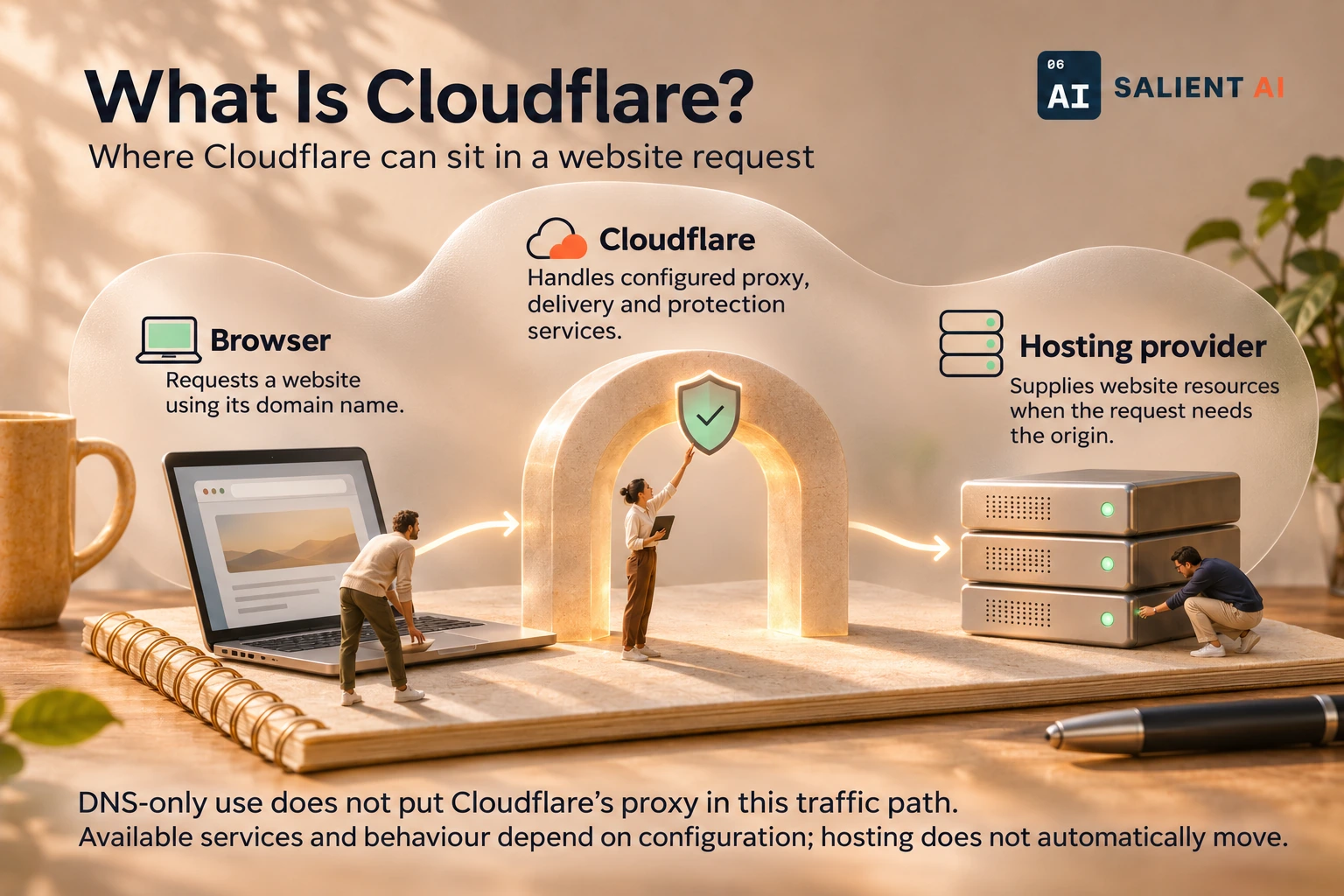
Where Cloudflare can sit in a website request
One possible arrangement: a proxied website using Cloudflare in front of a separate host.
AI-generated illustration of a fictional business.
Read the infographic as text
One possible arrangement: a proxied website using Cloudflare in front of a separate host.
- Browser: Requests a website using its domain name.
- Cloudflare: Handles configured proxy, delivery and protection services.
- Hosting provider: Supplies website resources when the request needs the origin.
DNS-only use does not put Cloudflare’s proxy in this traffic path. Available services and behaviour depend on configuration; hosting does not automatically move.
Simplified explanation based on this entry’s sources and further reading.
Why would Cloudflare matter to a business?
Cloudflare may be part of how visitors reach a website even when another company hosts the site's files. Knowing which account manages DNS and which services handle traffic makes changes and troubleshooting easier to coordinate.
This becomes especially useful during a handover or an outage. If a founder only knows the name of the web designer, finding the right settings can take longer than resolving the problem. A simple record of the domain, hosting and Cloudflare responsibilities helps the team contact the right person and avoid changing unrelated services while investigating.
A practical Cloudflare example
Illustrative example: a company keeps its existing website host while using Cloudflare for DNS and selected website traffic services. Its maintainer records the arrangement and tests the website and email after a domain-configuration change.
The company also records what changed and why, along with the person who can restore the previous settings. A colleague checks the main pages and sends a test enquiry. If a problem appears, the team can compare the new configuration with its recorded starting point instead of guessing which supplier is responsible.
A useful distinction about Cloudflare
Using Cloudflare DNS does not automatically move the website's files or enable every security and performance feature. Services and traffic behaviour depend on the products, settings and plan selected. Cloudflare is not interchangeable with a visual website builder or a content management system.
Separate the service name from the job being performed. DNS management, website hosting and page editing belong to different parts of the arrangement, even when an owner sees them through one supplier. Ask the maintainer to explain the path a visitor takes to the website and where the actual content is maintained. That explanation makes the account’s role much clearer.
A useful first question about Cloudflare
Which specific job is Cloudflare doing for this website, and who controls the account and settings needed to keep that job working?
Have the maintainer document the relevant account, the responsible contact and the reason for each enabled service. The business does not need to memorise every setting, but it should be able to locate ownership and support information when a supplier changes or a problem needs attention.
Sources and further reading
Want help applying this in your business?
Talk with Salient AI about your team’s needs and a practical next step.
Explore AI consulting for your business