
Your organization may have bought the licences. A few employees may be experimenting. Someone may even be planning a training programme or an AI strategy.
But there is a good chance you have missed the first step.
People need to stop typing to AI and start talking to it.
I mean that literally. Speak the instruction into the input box. Review the text. Send it to a capable work-oriented AI. Read what it produces. Then dictate the correction, the missing context or the next direction.
This sounds almost too simple to be an organizational issue. It is not. The keyboard can slow the exchange, shorten the context people provide and make AI feel like a search box instead of a working conversation. If employees never develop the ability to talk through their work, the organization may never experience what a capable AI system can actually do.
That is why the first AI skill is not technical. It is learning to talk to the computer—and practising until the exchange becomes useful.
Stop typing every instruction
Think about how you would explain a complicated assignment to an employee.
You would not normally type every word while the employee sat across from you. You would explain the situation, answer questions, correct a misunderstanding, add an example and change direction as the discussion developed.
AI is not an employee. It does not understand, judge or accept responsibility in the human sense. But the comparison exposes a problem with the way many people use it: they squeeze a complicated thought into a few typed lines, press Enter and judge the technology by the shallow result.
Speaking changes what can reach the input box before the thought disappears.
In a controlled study involving short English messages on the same mobile device, speech recognition reached 153 words per minute while keyboard entry reached 52 words per minute. That does not mean every employee will speak exactly three times faster than they compose original work. It does show why the keyboard can become a bottleneck. The Stanford and Baidu researchers described speech as approximately three times faster in that test.
A 500-word explanation would take about three minutes and 16 seconds at 153 words per minute. At 52 words per minute, entering the same words would take about nine minutes and 37 seconds. A slower typist could take considerably longer.
The larger problem is not the 500 words. It is what happens to the conversation.
While typing, you may simplify the explanation because it is taking too long. You may forget the example that made the point clear. You may leave out an exception, lose the original train of thought or decide that the effort is not worth it. When the AI responds, correcting it requires another round at the keyboard.
Dictation creates a faster cadence: explain, read, correct, add context and continue.
Talking to AI does not mean listening to it
When I say “talk to AI,” I am not describing a voice assistant that reads the answer aloud. There is no listening step in the workflow I am recommending.
The AI can remain silent.
You dictate into a written input box. You inspect the words before sending them. The work agent completes the assignment and presents the result on screen. You read the result because the details matter. Then you dictate the next instruction.
As of September 2026, tools such as Claude Cowork, Claude Code and ChatGPT Work are examples of work-oriented AI systems that can handle files, use connected tools or complete multi-step assignments. Their exact capabilities differ and will continue to change. The important distinction is between chatting for an answer and directing a system that can produce work you need to inspect.
That is the conversation.
Basic dictation is enough to begin
You do not need specialized software to try this.
Dictation is already available through common operating systems, browsers and AI interfaces. ChatGPT's microphone control, for example, records one spoken message, returns an editable transcription and lets the user change the text before sending it. OpenAI explains the dictation process in its current documentation.
That is enough to start developing the habit.
Basic dictation has an obvious limitation: it may write down everything. If you begin a sentence, change your mind and say, “Actually, scrap that,” the input box may contain the abandoned idea, the correction and the replacement. You then have to stop and clean it up.
This is where AI-assisted dictation becomes useful.
Tools such as Wispr Flow and Superwhisper sit between your voice and the work agent. They do more than convert sound into literal text. Their current product documentation describes a second processing step that can apply a spoken correction, remove a false start, improve formatting or use relevant context to produce cleaner written input.

Imagine talking through an idea and saying:
We should focus this proposal on the cost savings. Actually, scrap that. The bigger issue is the customer response time. Start with the calls we miss after 5 p.m.
Literal dictation may preserve the whole passage. An AI-assisted dictation tool may remove the abandoned direction and place only the intended instruction in the input box.
That reduces the correction work before the actual work begins.
These products are examples, not requirements or endorsements. Their claims about accuracy and time saved come from the vendors. Intelligent cleanup can also change a meaning the user intended to preserve, which is why the person should still read the instruction before sending it.
Multilingual dictation can include more of the organization
The ability to speak to AI should not be limited to employees who are most comfortable composing written instructions in English.
Superwhisper currently says its dictation system supports more than 100 languages. Its documentation describes options to dictate in a preferred language, translate into English and use AI processing in multiple languages. Some voice models can also recognize language changes within the same dictation. The exact behaviour depends on the model and configuration, so an organization should test the languages its employees actually use rather than assuming identical quality everywhere. Superwhisper documents both its voice-model language support and model-specific limits on switching languages within one dictation.
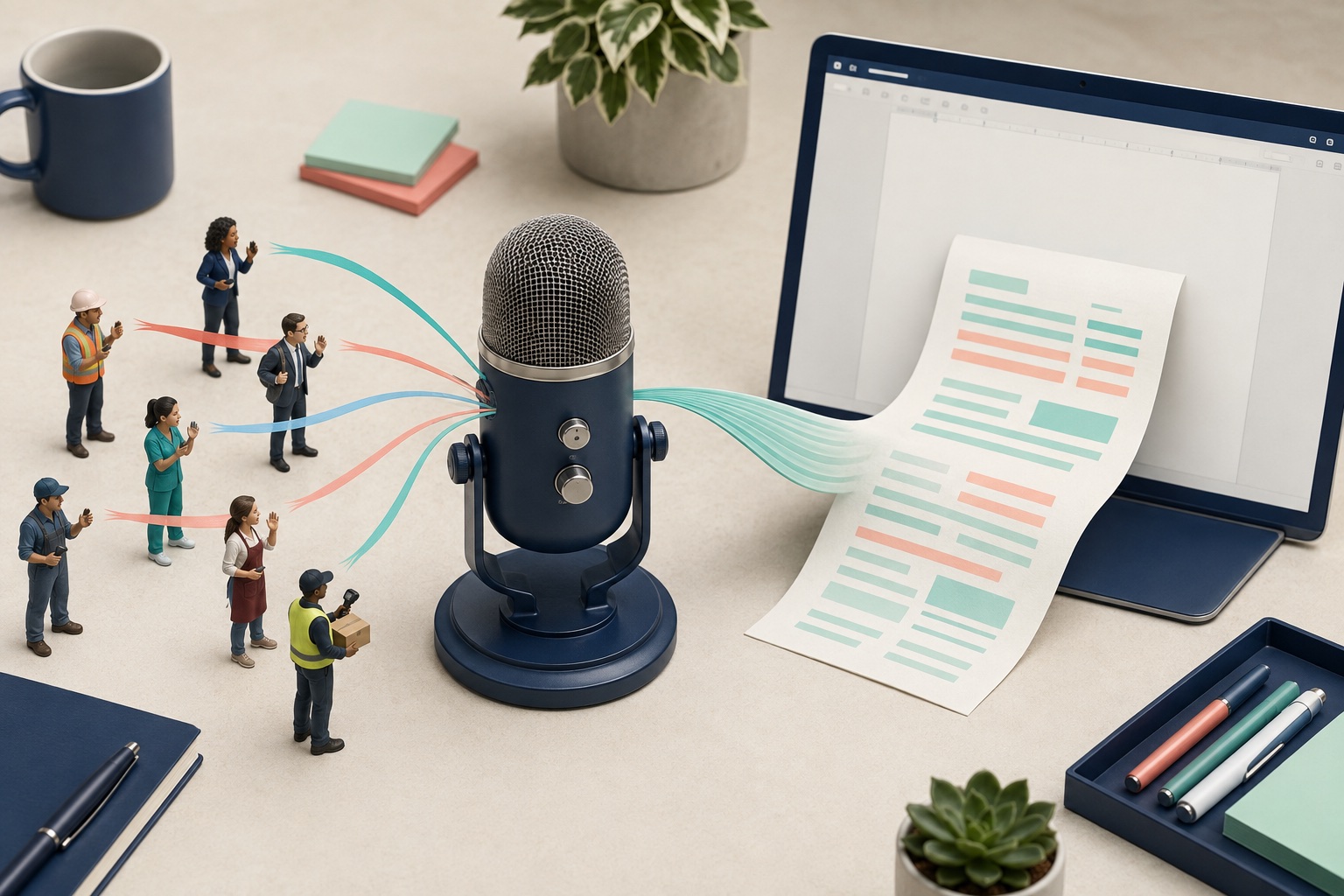
That capability could matter in a Canadian organization with English- and French-speaking employees, a multilingual customer-service team or frontline staff who can explain the work clearly but may be less comfortable typing a long instruction in the organization's working language.
An employee could speak naturally in one language and produce text in another. They could also preserve the original language where that is more appropriate. This does not remove the need for bilingual human review, especially when wording has legal, safety, employment or customer consequences. It does lower one barrier to participation.
The organization may discover that the person who understands a process best was never the person most willing to express it through a keyboard.
Speaking to a computer takes practice

I could read a book about basketball. I could learn the rules, study the plays and understand how a good player shoots. But if I never stepped onto a court and practised, I probably would not be very good at basketball.
Talking to AI is similar.
AI did not exist as a normal workplace conversation for most people's careers. If you have never spoken to a computer this way, you should not expect to know instinctively how much context to give, when to correct it or how to keep directing the work. You have to practise.
In my experience, most people need two or three weeks of consistent use before speaking to AI begins to feel like a habit. That is not a guaranteed timetable. The point is that one demonstration or training session is not enough. People need to use it repeatedly on real work.
The real practice may begin when they put the keyboard aside.
People who are used to email often compose while they type. They edit themselves sentence by sentence. When asked to dictate, they may become self-conscious, speak in fragments or expect the first attempt to sound polished. If they keep returning to the keyboard every time dictation feels awkward, they keep practising the old behaviour.
That is why organizations should treat speaking to AI as a skill and a habit, rather than simply telling employees that a microphone exists.
The goal is not to deliver a perfect monologue. The goal is to get enough of the situation into the input box that the AI can begin useful work. The person can then inspect the result and continue.
A project manager might explain why a schedule is slipping and ask the AI to identify missing dependencies. An administrator might describe how information arrives from several forms and ask for a proposed consolidation process. A warehouse supervisor might talk through the exceptions that make an inventory procedure difficult. A retail manager might explain the recurring questions that leave staff searching for answers.
Different jobs will use AI differently. The interaction skill is the same: explain the work, inspect the result and redirect it.
Start with low-risk work. Ask an employee to dictate the context for a meeting agenda, summarize the situation behind a routine document or organize questions about a recurring problem. Do not begin with confidential information, a consequential decision or an instruction that can act without review.
Reading about the capability may explain it. Consistent practice is what turns the microphone from a novelty into a working instrument.
The AI still needs the company's knowledge
A fluid conversation cannot compensate for missing or outdated information.

Once people can talk through the work, the organization needs to give approved AI systems access to the current knowledge required for that work. This might include:
- Product and service information.
- The organization's mission and approved positioning.
- Standard operating procedures.
- Policies, templates and forms.
- Frequently asked questions.
- Role-specific instructions and escalation paths.
This is not simply a folder full of documents. Someone has to own the information, keep it current, control who can use it and remove material that is no longer valid. Sensitive information needs an explicit boundary. Important outputs still need a responsible human reviewer.
Salient AI's work on knowledge assistants begins with this operational question: what information should the system use, who maintains it and what should happen when the source does not contain a reliable answer?
Without a governed knowledge source, employees have to repeat the same company context in every conversation—or the AI fills the gap with general information that may not reflect how the organization actually operates.
Leadership has to talk first
The owner, CEO or president does not have to become the organization's best AI user.
They do have to use it.
If leaders remain uncomfortable and delegate all experimentation downward, employees notice. AI becomes another corporate initiative that people are expected to adopt without seeing leadership change its own behaviour.
The first leadership exercise can be small. Dictate the context for an upcoming meeting. Ask the AI to organize the questions around a difficult decision. Use it to examine an internal document for ambiguity. Read the result and correct it aloud.
One useful experience can change the conversation. A leader who sees a real task become clearer or faster stops asking only, “Why should we use this?” and begins asking, “Where else is this friction costing us?”
That does not prove a business case for AI everywhere. It creates informed sponsorship for the next contained experiment.
As I argued in Your Company Has AI. It May Still Be Falling Behind, licences and pilots do not create transformation when the operating model stays the same. The related article Build Your Startup's A-Team Around AI—not Around AI Tools makes the leadership point in a startup context. Houston, We Have a Productivity Problem examines whether employees have enough AI capacity to make the new behaviour part of real work. And Red Pill or Blue Pill addresses what that changing capacity may mean for jobs and entry-level career paths. Established organizations need the same visible behaviour before expecting employees to change.
A practical first hour
Do not begin with a company-wide rollout. Give a small group one hour.
Try a specific exercise: create a social media brief by talking it through, then review one finished example.
- Choose a low-risk task each person already understands.
- Use basic dictation or an approved AI-assisted dictation tool.
- Speak enough context for the AI to understand the situation and desired result.
- Read the transcription before sending it.
- Read the result and dictate at least two corrections or follow-up directions.
- Record what became faster, what felt awkward and what information was missing.
The exercise will reveal more than whether employees like a tool. It will show whether the organization can maintain a productive cadence, whether people need practice, whether language creates an unnecessary barrier and whether company knowledge is ready to support the work.
Before approving a third-party dictation tool, review how it handles recordings, transcriptions and contextual information. Some advanced features may use text from the active application, selected material or the clipboard. The convenience is real, but so is the need for appropriate permissions and information boundaries.
The first step is simpler than most AI strategies
AI adoption does not begin with an integration diagram.
It begins when a person can explain real work to the system, inspect what comes back and continue the exchange without the keyboard breaking the train of thought.
Start there. Let people use dictation. Give them time to practise. Consider intelligent dictation when cleaning literal transcripts becomes its own source of friction. Make the capability available across the languages your employees actually use. Then connect the work to current company knowledge and make responsible use visible from the top.
The technology will continue to change. The organization will be better prepared if its people already know how to communicate with it.
Put the idea to work
Test the adoption barrier before prescribing more AI training.
Observe one employee completing a familiar task. Is the difficulty explaining the request, finding approved information, checking the output or getting permission to use it? Dictation can help with the first barrier, but it does not solve every cause of failed adoption.
Use the same task to compare a written request and a spoken request with appropriate context. Review the finished work for accuracy and the effort required to correct it. Keep the method that helps this employee do this job reliably.
When the result is useful but approval or access still blocks progress, examine the organizational process instead of asking the employee to write another prompt.
Written from Stephen Lau's experience and point of view, with AI-assisted research and editorial production. Reviewed by Salient AI before publication.