Websites and development
What Is a Rollback?
A rollback is an action that returns a system or part of it to an earlier state after a change. For a website, it often means restoring a previously working deployment when a new version causes a problem.
Definition and further reading: Vercel, Vercel. Sources checked 8 November 2026.
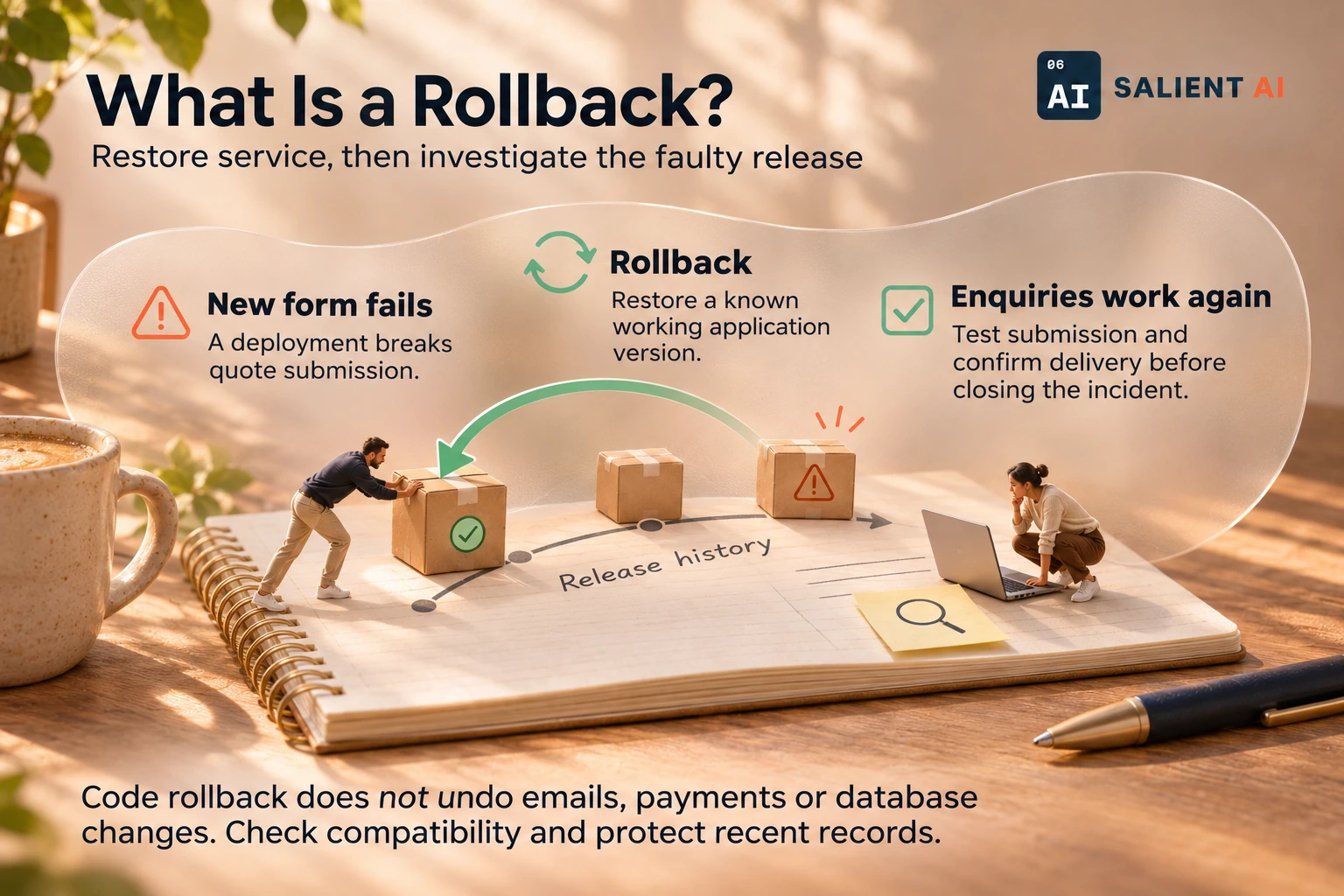
Restore service, then investigate the faulty release
This example rolls back application code while preserving customer activity.
AI-generated illustration of a fictional business.
Read the infographic as text
This example rolls back application code while preserving customer activity.
- New form fails: A deployment breaks quote submission.
- Rollback: Restore a known working application version.
- Enquiries work again: Test submission and confirm delivery before closing the incident.
Code rollback does not undo emails, payments or database changes. Check compatibility and protect recent records.
Simplified explanation based on this entry’s sources and further reading.
Why would a rollback matter to a business?
A broken booking or enquiry process may need recovery before the underlying defect can be fixed. Keeping a known working release and a tested recovery procedure gives the team a concrete response. Someone must still verify that the restored version works with the current data and services.
The business value is a shorter path from discovering a serious problem to restoring a usable service. That path needs preparation: identify the known working version, the responsible person and the customer activity that must be protected. During an incident, these decisions are harder to make if the team has never rehearsed them or documented what the recovery procedure actually changes.
A practical rollback example
Illustrative example: a new website release stops a quote form from submitting. The maintainer restores the previous application version and tests an enquiry end to end. They preserve enquiries already received and investigate the faulty release in a separate environment.
Before restoring the earlier version, the maintainer checks what happened during the faulty release and whether any customers completed other actions. Staff confirm the enquiry destination and submit another marked test after recovery. The incident notes distinguish service restoration from the separate investigation, so fixing the immediate interruption does not erase the record of what went wrong.
A useful distinction about a rollback
Rolling back code does not automatically undo database changes, sent emails or payments. An older application may also be incompatible with a newly changed database. Recovery might require a corrective release or a separate data-recovery procedure. Restoring an old database without accounting for recent transactions could discard valid business activity.
The useful distinction is between restoring an application version and restoring an entire business state. Customers may have placed orders, updated details or received messages while the newer version was running. Those events do not disappear just because earlier code is deployed. A recovery plan must account for valid activity and explain which effects need reconciliation or a separate corrective action.
A useful first question about a rollback
Exactly what will return to its earlier state, what will remain changed, and how will you preserve customer activity that occurred after the release?
Walk through a realistic failure with the maintainer before launch. Ask what happens to a customer who submitted information just before recovery began, and how staff would confirm that nothing important was lost. Write down the result and any situation requiring a different recovery approach.
Sources and further reading
Want help applying this in your business?
Talk with Salient AI about your team’s needs and a practical next step.
Explore AI consulting for your business