Websites and development
What Is No-Code?
No-code is an approach to building applications or automations through visual tools, configured rules and ready-made components without writing conventional code for the supported task. The platform supplies the underlying software. The builder still decides how information, permissions and business processes should work.
Definition and further reading: IBM. Sources checked 8 November 2026.
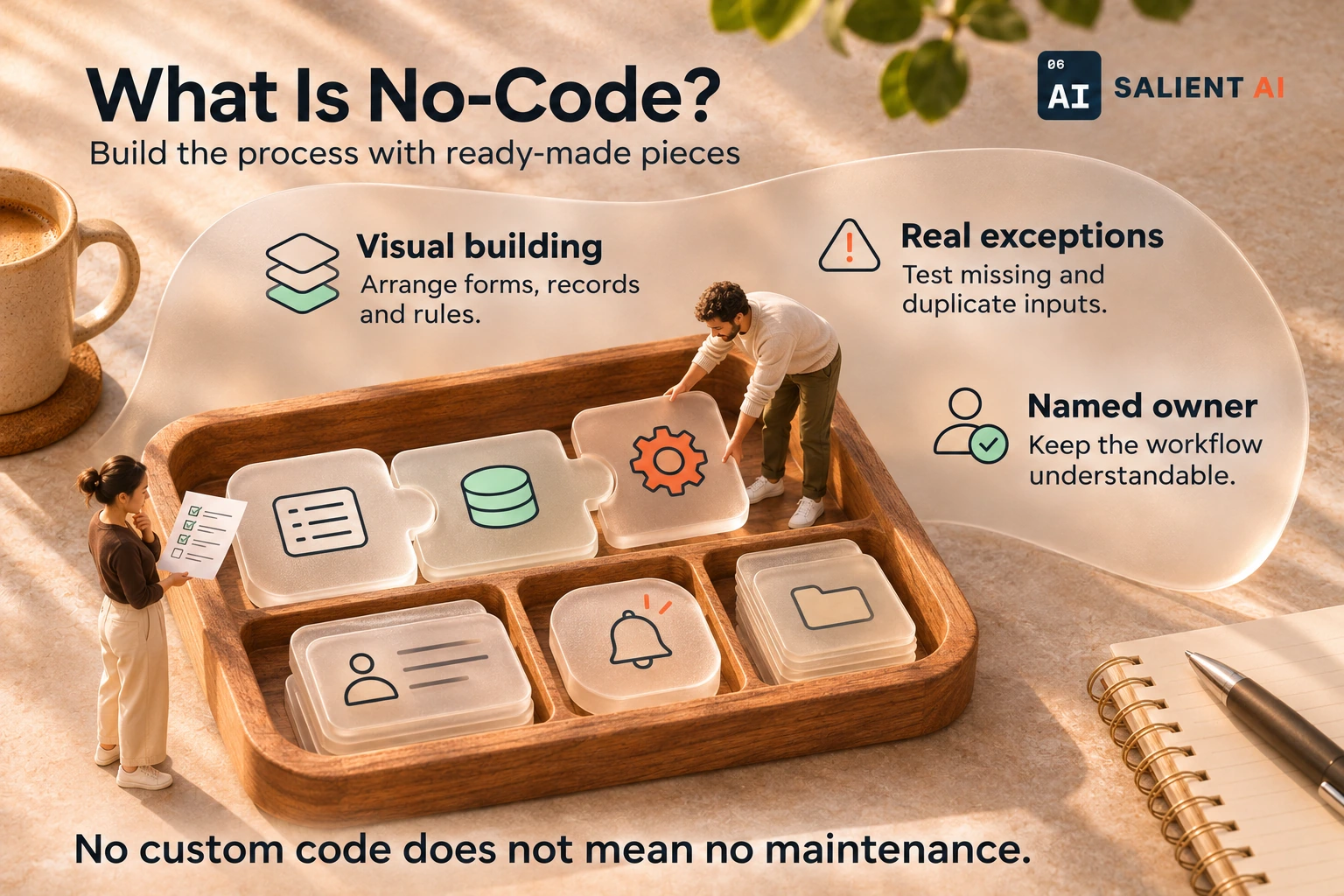
Build the process with ready-made pieces
No-code is an approach to building applications or automations through visual tools, configured rules and ready-made components without writing conventional code for the supported task.
AI-generated illustration of a fictional business.
Read the infographic as text
No-code is an approach to building applications or automations through visual tools, configured rules and ready-made components without writing conventional code for the supported task.
- Visual building: Arrange forms, records and rules.
- Real exceptions: Test missing and duplicate inputs.
- Named owner: Keep the workflow understandable.
No custom code does not mean no maintenance.
Simplified explanation based on this entry’s sources and further reading.
Why would no-code matter to a business?
A small team can use no-code tools to test a straightforward process or replace repetitive manual coordination. A staff member who knows the work may be able to build a useful form or internal tracker without waiting for every change to be programmed from scratch.
The owner still needs to assess whether the platform fits the process beyond a successful demonstration. Consider who can edit records, what happens when a connection fails and whether the information can be exported. A visual workflow can become difficult to manage if nobody documents its rules or takes responsibility for changes after the first version launches.
A practical no-code example
Illustrative example: a service company builds a no-code request form linked to an internal work queue. Staff choose the required fields, assign new requests to a coordinator and configure a notification when a record arrives. They begin with fictional submissions to check the process.
Testing reveals that customers sometimes submit the same request twice and that one category has no assigned owner. The team adds a review step and corrects the assignment rule before using the form. They also document how to pause the workflow and handle requests manually if a connected service stops responding during a busy period.
A useful distinction about no-code
No-code means the supported build does not require conventional coding; it does not mean that the work requires no design or technical judgement. Data structure, access and exception handling still affect whether the resulting tool is useful. Some requirements may fall outside what a platform can support comfortably.
Low-code typically allows or expects custom code for parts of the solution. AI-generated code is different again: it may leave you with a codebase even though you described the task conversationally. When comparing approaches, ask what the staff member will maintain and what specialist help will be needed when the process changes.
A useful first question about no-code
Can this platform handle our real process, including its awkward exceptions, without making routine changes difficult? Draw the current workflow with the people doing the work. Include incomplete requests, duplicate records and the point at which somebody must make a judgement rather than apply a simple rule.
Build a small demonstration of those cases and ask the intended owner to modify it. Review what happens to the data if you stop using the service. A successful trial should show that the team can operate and adjust the process, not merely that the builder can assemble an attractive screen.
Sources and further reading
Put No-code to work in your business
Map a manageable business process before selecting its automation tools.
Explore AI workflow automation