Platforms and tools
What Is Microsoft Copilot?
Microsoft Copilot is Microsoft’s branding for AI assistant experiences that help people work with information and complete tasks. Microsoft 365 experiences can bring assistance into workplace applications and organisational content, depending on licensing, permissions and configuration. The specific Copilot product matters when comparing capabilities.
Definition and further reading: Microsoft Learn. Sources checked 8 November 2026.
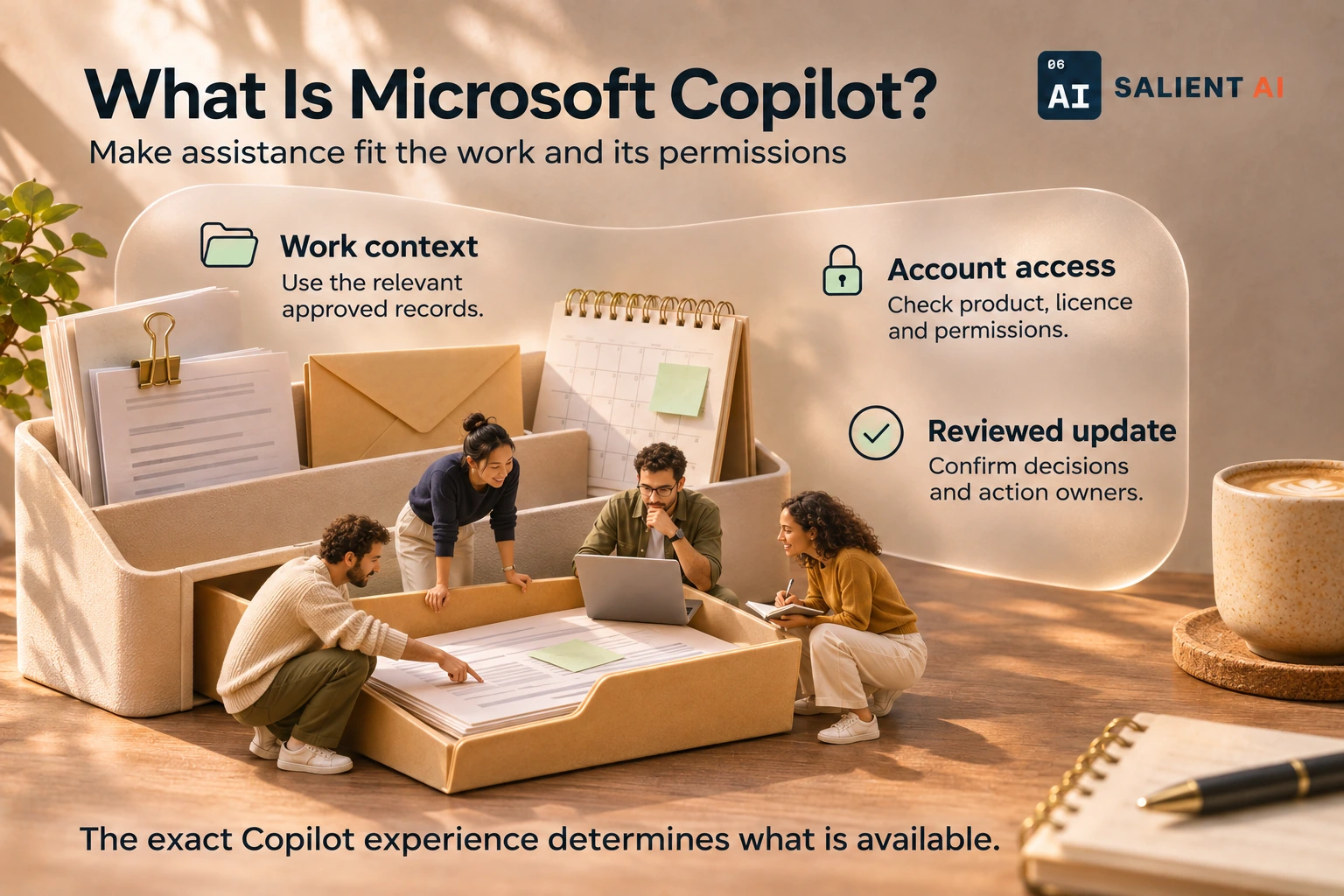
Make assistance fit the work and its permissions
Microsoft Copilot is Microsoft’s branding for AI assistant experiences that help people work with information and complete tasks.
AI-generated illustration of a fictional business.
Read the infographic as text
Microsoft Copilot is Microsoft’s branding for AI assistant experiences that help people work with information and complete tasks.
- Work context: Use the relevant approved records.
- Account access: Check product, licence and permissions.
- Reviewed update: Confirm decisions and action owners.
The exact Copilot experience determines what is available.
Simplified explanation based on this entry’s sources and further reading.
Why would Microsoft Copilot matter to a business?
For a team already working in Microsoft applications, assistance near the document or message being edited may fit existing habits. That can make a pilot easier to understand: staff can try a familiar task and assess whether the help improves the finished work without rebuilding the entire process.
The owner still needs to understand which content the selected experience can access. Existing permissions and document organisation affect what becomes available. Before expanding use, check that the right people can find current materials and that outdated drafts are clearly distinguished from approved information. Training should include that source judgement, alongside how to ask for help.
A practical Microsoft Copilot example
Illustrative example: a consultancy pilots a suitably configured Microsoft 365 Copilot experience to prepare an internal project update from approved work material. The manager asks for a draft separating completed work, open decisions and questions for the next team meeting.
The project lead checks the draft against the source documents, corrects an outdated milestone and confirms who owns each open action. They use the result during the meeting and update the underlying records afterwards. The pilot succeeds only if the whole process becomes clearer for the people doing the work, including the time spent checking and correcting it.
A useful distinction about Microsoft Copilot
Copilot is a product family, rather than one identical assistant everywhere. Chat experiences and assistance inside Microsoft 365 applications can differ in access, integration and licensing. GitHub Copilot is a separate coding-focused offering; its name does not establish that it shares the same subscription or workplace setup.
When comparing options, write down the exact task and product being demonstrated. A helpful answer from publicly available information does not prove that the same setup can use internal project records. Ask the administrator to verify the intended configuration, and make the employee’s review responsibilities explicit before using the output in customer work.
A useful first question about Microsoft Copilot
Which Microsoft-based task consumes time because staff must gather, interpret or rewrite information? Select a representative example and identify the approved source files, intended users and final reviewer. Confirm that the selected Copilot experience can support that task with those users’ actual access.
Watch an employee complete the work and compare the draft with the records. If old documents or excessive access cause confusion, address those foundations as part of the pilot. The decision to expand should reflect the team’s complete working experience, including corrections and administration, rather than the speed of generating a first response.
Sources and further reading
Put Microsoft Copilot to work in your business
Work through your own task or question with a human guide, using suitable business examples.
Explore AI coaching for business owners